








One of Sunday’s tracks was Brian Becker’s engaging workshop on MiServer 3.0 – the newest version of Dyalog’s APL-based web application framework that allows you to develop a cross platform application for stand-alone use or delivery via the web.
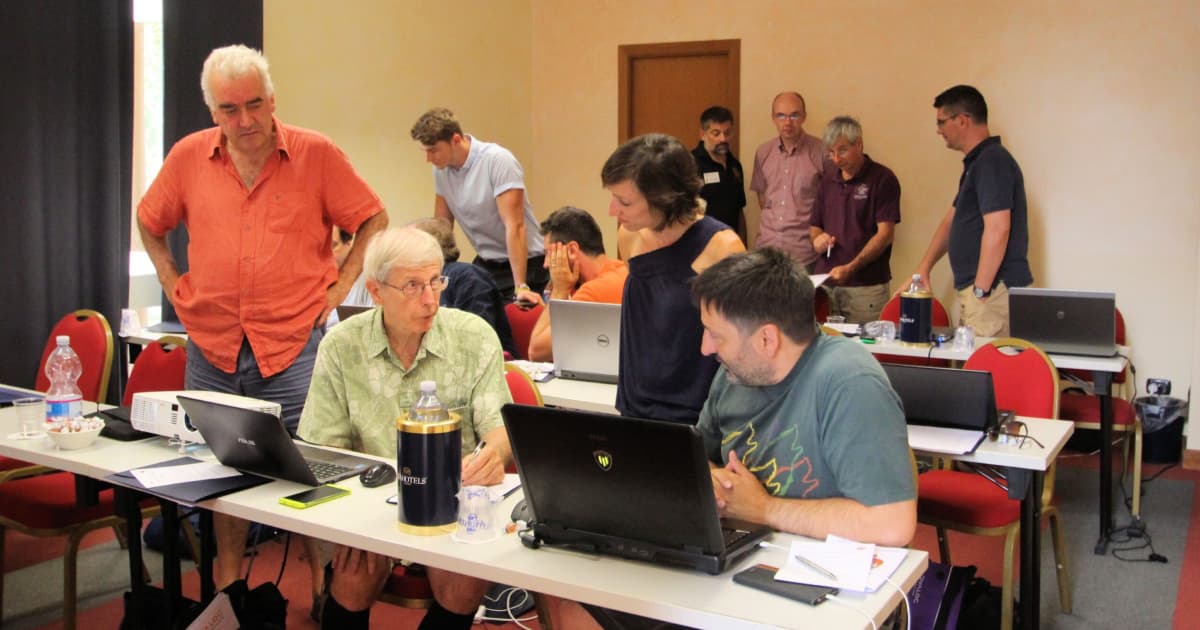
The motto of MiServer is that everyone who can develop an APL application should also be able to make it available via the web, allowing users to access the application via their favourite browser. In other words, MiServer is browser and platform agnostic.
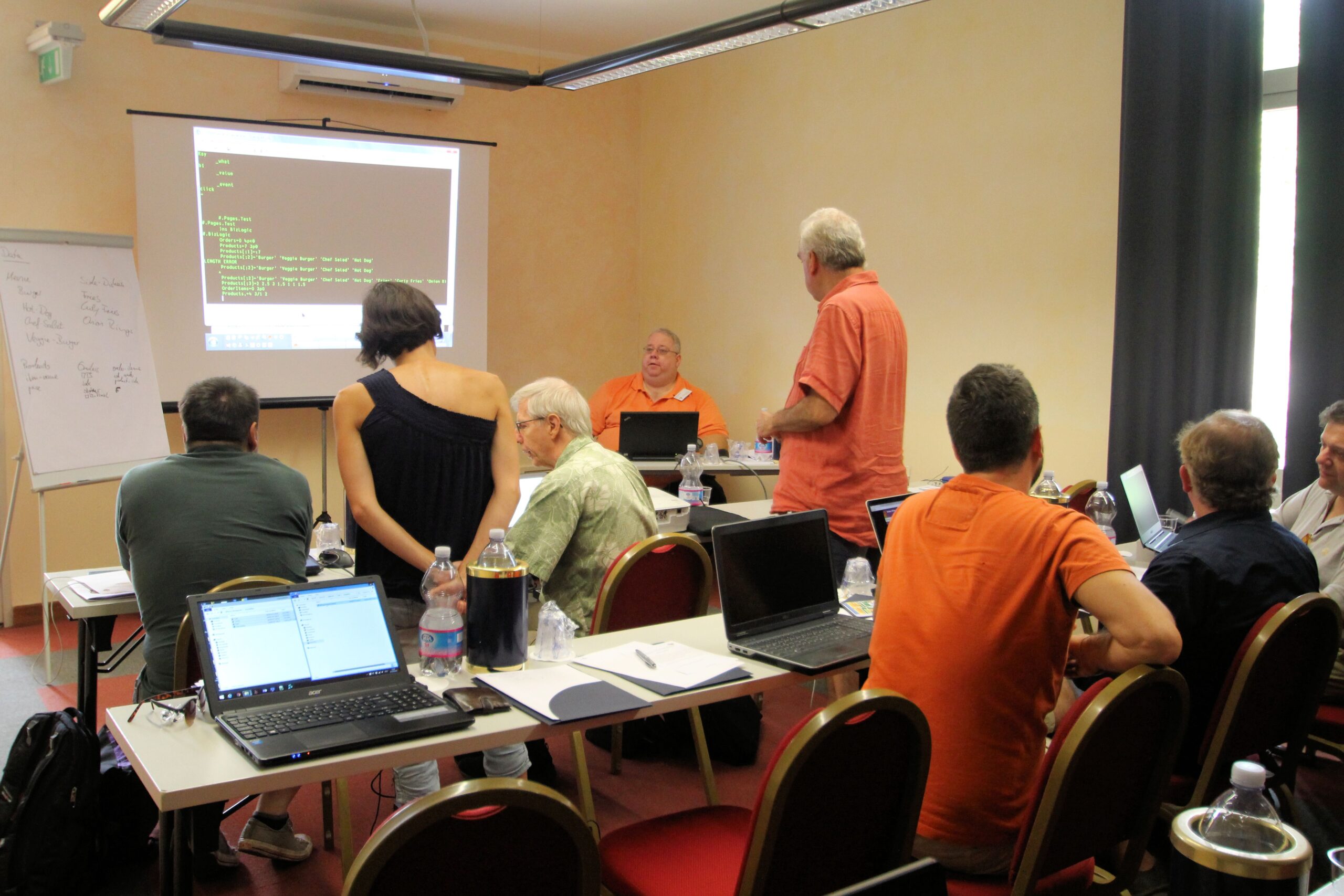
The main take-away from the morning’s workshop is that if you are used to developing your GUI using ⎕WC, developing the GUI in MiServer 3.0 creates some slightly different rules. First we were showed where to download MiServer, and then Brian guided us though building out very first one-page website. The interactive nature of the workshop captivated us all. Before we knew of it, it was time for lunch.
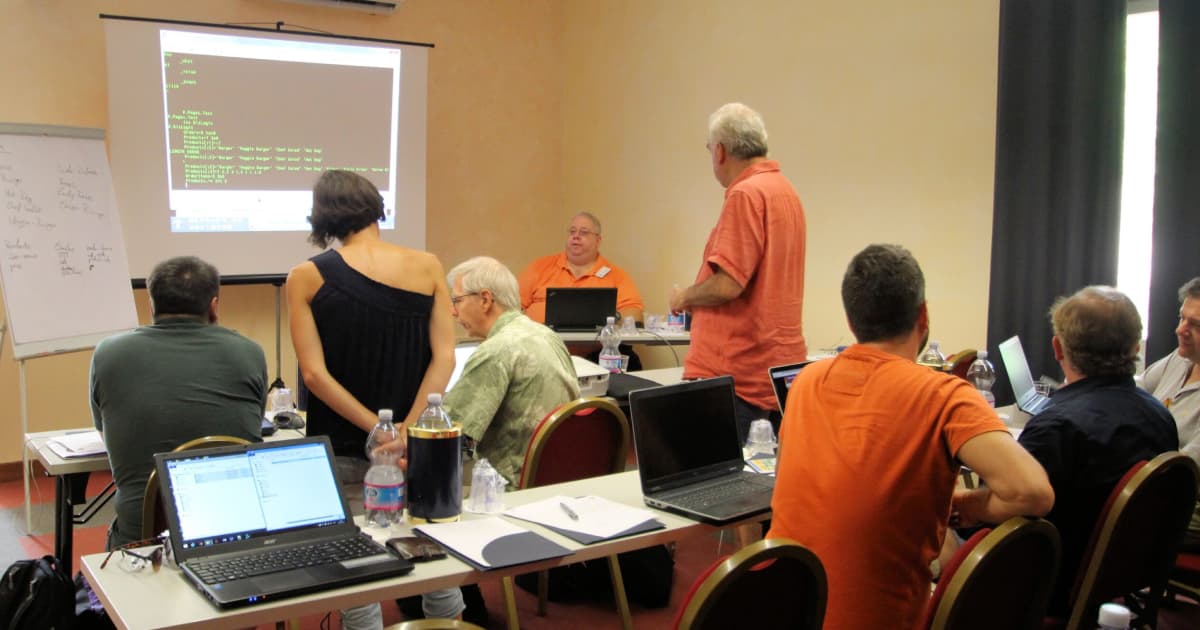
After lunch – instead of having a sleep inducing talk, Brian challenged us to build a website for a Big Brian’s Burger Bistro offering ordering facility for various products with side orders, and a dashboard to monitor the ordering, product category, speed of order processing, and – most importantly from a management point of view – keep an eye on revenue and which products generate most revenue, with auto update when new orders where processed and paid.
It may have been down to the eating habits of the delegates in terms of their love for burgers, fries etc., but the enthusiasm with which we attacked the challenge was probably more due to how Brian managed to whip up and present MiServer 3.0’s capabilities during the morning. Actually, we got so engrossed in the afternoon that we almost missed our coffee break!
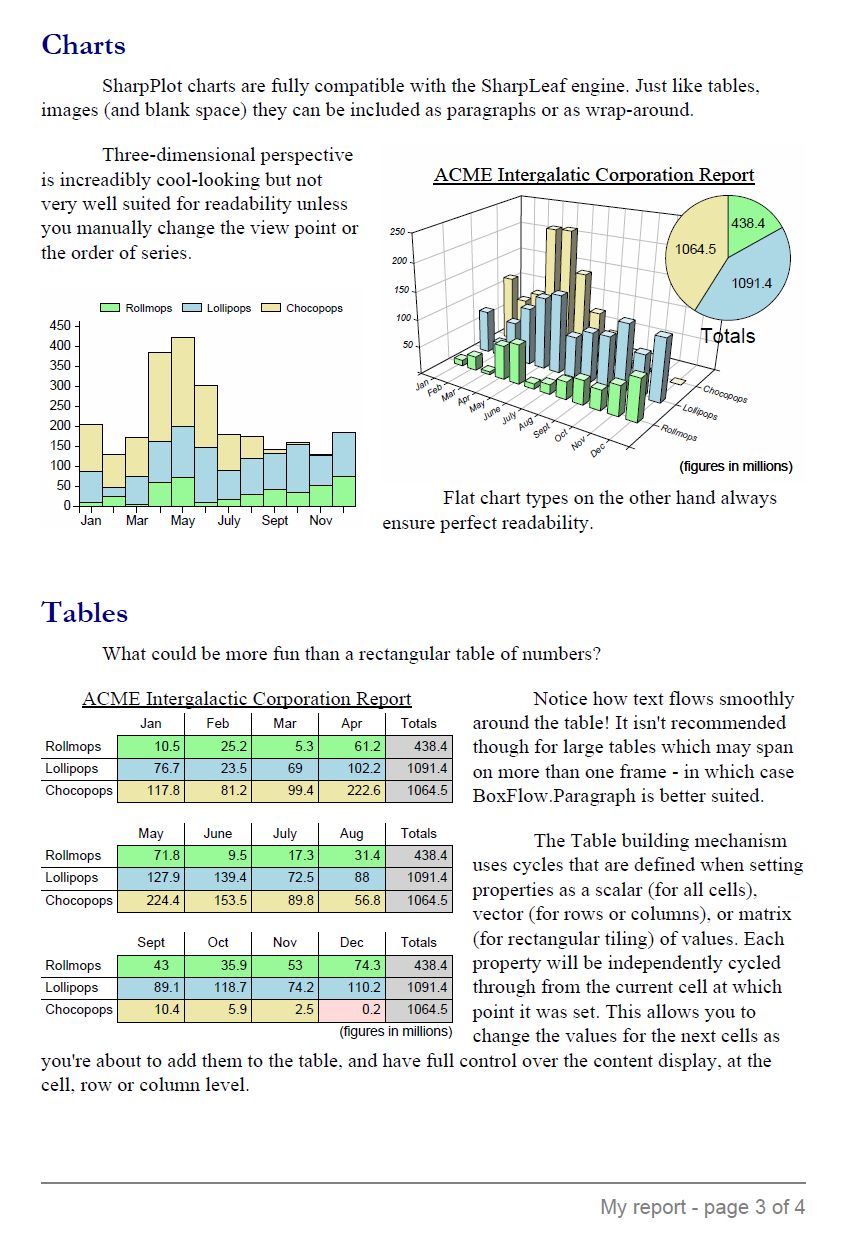
A group of participants was tasked with creating a dashboard, and after some discussion decided on two tables, which would pull data from the business logic, do a bit of calculation, and auto update when new orders got processed.
Hugely entertaining, and we actually managed – courtesy of Rick Proctors swift keyboard handling and deep understanding of APL – to get the code for the dashboard done, working and showcased before we ended the workshop.
We are all looking forward to the MiServer UI Controls presentation on Tuesday morning where we will get a chance to see some the many fancy widgets that MiServer 3.0 offers.